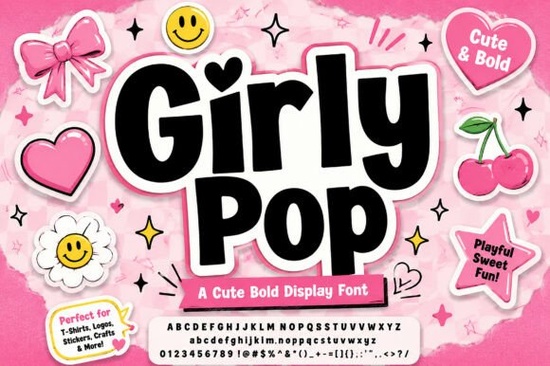
Getting the right vibe for a retro-inspired project often means finding typography that feels nostalgic but fresh. The Girly Pop Font delivers exactly that by combining chunky, interlocking letterforms with a playful bouncing baseline. If you design streetwear, create sticker sheets, or manage social media branding for a small business, this bold display typeface gives your titles a distinct Y2K energy. The built-in crisp white outline and dramatic pink outer drop shadow mean you can drop the text straight into your layout without spending extra time adding manual stroke effects in your design software.
How does this Y2K style work for print-on-demand?
For print-on-demand sellers, standing out requires highly readable graphics that grab attention from a distance. This typeface uses soft, rounded corners and a high-volume structure, making it highly legible even when scaled down on a phone screen or printed large on a heavy cotton t-shirt. When creating custom merchandise, the pre-styled sticker effect saves you from complex layering in Adobe Illustrator or Canva. You can type out your brand name, apply a contrasting background color, and have a finished logo mark in minutes. This is especially useful for crafting hobbyists who sell at local markets and need quick, eye-catching signage. The thick letterforms also ensure that vinyl cutting machines, like Cricut or Silhouette, can easily weed the design without tearing the delicate edges.
What projects benefit most from a bouncing baseline?
A bouncing baseline adds a natural, unscripted rhythm to your text. This works incredibly well for projects that aim for a sweet, approachable aesthetic. Think about packaging design for cosmetics, bakery branding, or digital planners targeted at teenagers. The irregular height of the characters breaks the stiffness of traditional grid layouts, giving your layout a handmade feel. If you want a slightly different retro sports aesthetic for a collegiate apparel line, you might look for something with a classic athletic structure instead, but for pure pop-culture nostalgia, this bouncy layout hits the mark. It works beautifully on tote bags, phone cases, and laptop decals where a friendly tone is necessary.
Which typefaces pair well with chunky display letters?
Because this font is so heavy and detailed, it acts as the main focal point of any design. You should pair it with simple, clean sans-serif fonts for your body copy to maintain readability. When building a broader typography kit, variety is helpful. For instance, if your current project leans more toward a grunge or alternative street style, you might want to explore options that offer a rougher, textured look. Alternatively, if you need a comic book aesthetic to match the pink drop shadow, checking out styles inspired by vintage graphic novels can give your merch line a cohesive theme. Contrast is key; let the thick, bubbly letters do the heavy lifting while your secondary fonts provide quiet support.
Where can I find more retro display options?
Expanding your design resources helps you tackle different client briefs and personal projects. If you specifically want to download this exact Y2K style for your next craft, you can grab the original bubbly display typeface here. On the other hand, if a client requests a traditional letterman jacket design, a classic collegiate lettering style will serve you much better than a sweet pop aesthetic. Knowing when to use which tool is a core part of professional graphic design. Keeping a diverse folder of display fonts ensures you always have the right fit for the job.
What is the best way to format text for vinyl cutting?
If you plan to use this for physical crafts, preparing your file correctly is crucial. The interlocking nature of the characters means you might need to convert your text to outlines or shapes before sending it to your cutting software. This prevents the machine from cutting internal overlapping lines. Always weld the letters together in your design program so the pink drop shadow forms one continuous background shape. This saves vinyl material and results in a much cleaner final product for your t-shirts and decals.
Quick setup checklist for your next design:
- Use all-caps to maximize the interlocking effect of the letters.
- Keep body text in a neutral, lightweight font so the main title remains the focal point.
- Test your color contrast; the pink drop shadow pops best against dark or pastel backgrounds.
- Convert text to outlines and weld the shapes before sending to a vinyl cutter.
- Export your sticker designs as PNGs with transparent backgrounds to easily place them on apparel mockups.
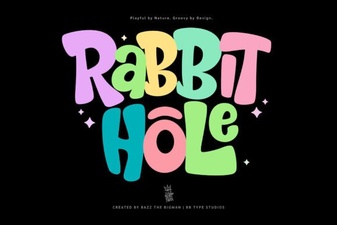 Rabbit Hole Font: Playful Designs & Project Ideas
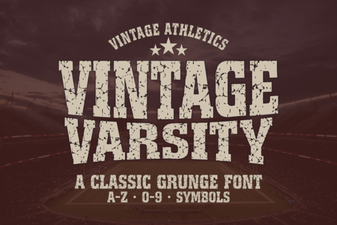 Vintage Fonts for Modern Design Projects
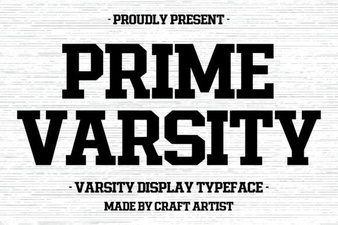 Prime Varsity: Creative Font Projects & Ideas
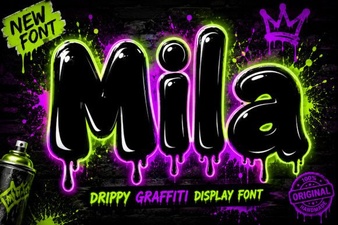 Mila Font for Creative Design Projects
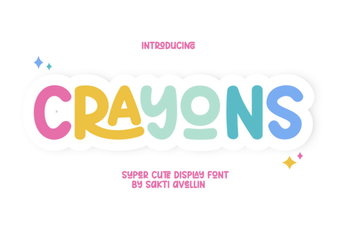 Crayons Font Ideas for Fun and Creative Projects
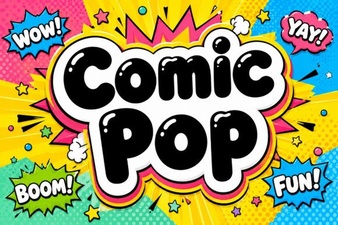 Designing Fun with Comic Pop Fonts