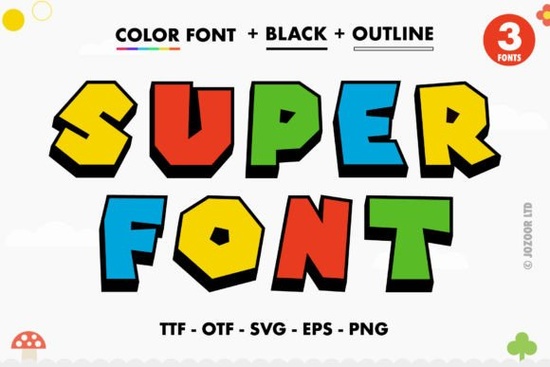
If you need thick, playful typography for your next project, the Super Font offers a vibrant solution. Designed as an OpenType-SVG color font, it comes pre-loaded with bright, multi-colored letters right out of the box. This means you do not have to spend time manually layering colors or adjusting individual vector paths in your design software. Whether you are creating eye-catching print-on-demand t-shirts, bold digital stickers, or fun branding for a small business, this typeface handles the heavy lifting for you by providing instant, professional-looking color combinations.
Which design programs actually support OpenType-SVG files?
One of the most common questions from crafters is whether their specific cutting machine or design platform will support this format. Because this is an OpenType-SVG file, the standard OTF and TTF versions included in the download are not compatible with Cricut Design Space. Cricut software currently cannot process the multi-color data embedded in these specific font files, meaning they will likely appear as standard black text or fail to load properly.
However, if you work primarily in digital design, you are in luck. The font works perfectly in Adobe Photoshop, Adobe Illustrator, Silhouette Studio (Designer Edition or higher), and Inkscape. These programs will display all the built-in colors automatically when you type. If you are planning to build a cohesive brand identity and want to explore additional options, checking out other creative choices for vibrant typography can give you more variety for different seasonal campaigns.
How do you access the hidden swashes and special characters?
This typeface is fully PUA encoded. This technical detail is highly useful for creative hobbyists and designers who want to use all the extra swashes, alternates, and ligatures without needing expensive, professional-grade software.
If you use a basic text editor or a program that lacks a built-in glyphs panel, you can still reach every hidden element easily. On a Windows PC, simply open the Character Map application, select the font from the dropdown menu, and copy the specific symbol you need. On a Mac, open the Font Book application to find and copy your desired glyph. After copying, just paste it directly into your project. This straightforward method makes adding unique flourishes to custom greeting cards or shop logos completely hassle-free.
What types of craft and business projects fit this style?
The chunky, bold lettering naturally draws attention, making it ideal for projects that need to stand out from a distance. Small business owners and print-on-demand sellers can use this style across several product lines:
- Print-on-Demand Apparel: The thick lines print clearly on t-shirts and hoodies, working especially well for retro or 70s-inspired wavy text layouts.
- Digital Sticker Sheets: Design vibrant planner accessories in Illustrator, using the pre-colored letters to create pop-art style motivational quotes.
- Event Decor: Create personalized birthday banners, cupcake toppers, or welcome signs that require a playful, energetic vibe for parties.
- Social Media Graphics: Use the colorful letters for YouTube thumbnails, Instagram story covers, or Pinterest pins where immediate readability is critical.
Quick checklist before you start your design
Before installing the files and starting your creative process, make sure your workflow aligns with the technical requirements.
- Verify that your preferred design software fully supports OpenType-SVG color files.
- Remember that the standard OTF and TTF files will not retain their colors in Cricut Design Space.
- Keep the Character Map or Font Book handy to easily copy and paste PUA encoded elements.
- Consult the creator's Ultimate Font Guide if you need a step-by-step visual tutorial on installing these specific font files on your operating system.
Next Step: Always test print a single page on standard paper before running a large batch of physical products. This ensures the vibrant, on-screen colors translate accurately to your specific printer ink and paper type.
Get Started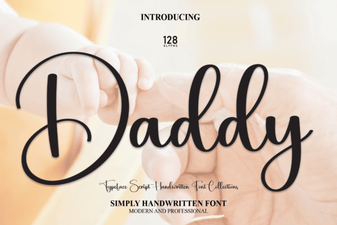 Daddy Font: Creative Typography Ideas & Styles
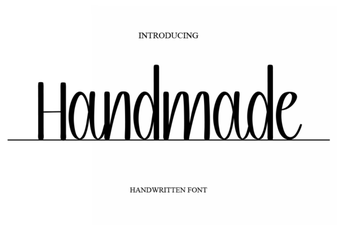 Handmade Fonts for Creative Design Projects
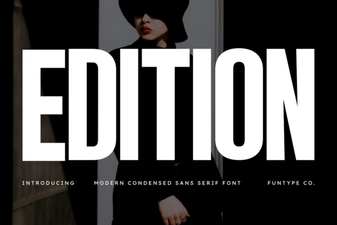 Edit Font Styling for Creative Projects
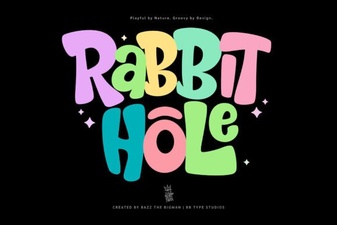 Rabbit Hole Font: Playful Designs & Project Ideas
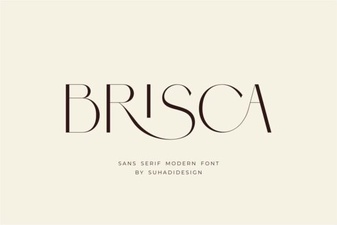 Creative Projects with Brisca Font Design
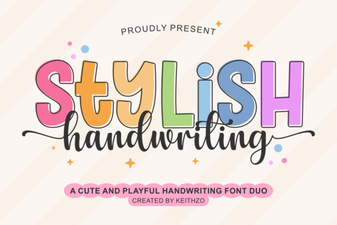 Creative Handwriting Fonts for Modern Design Projects